The free tiers in 2026 are really good. ChatGPT gives you GPT-5.6 Luna with unlimited text chats. Claude hands you Sonnet 5.5. Gemini connects to your entire Google Workspace.
88% of organizations now use AI regularly in at least one business function, according to McKinsey's 2025 State of AI report. These are the tools most of them started with.
There are hundreds of free AI tools, and every limit below comes from the vendor's own pricing or help page. Most are forgettable. Some cap you at 3 messages before demanding a credit card. 41 of them deliver. Here they are, organized by what you need to do.
Quick Picks: Best Free AI Tools at a Glance
| Category | Top Pick | Best For | Free Tier Limit |
|---|---|---|---|
| AI Chatbot | ChatGPT | General all-rounder | GPT-5.6 Luna, unlimited text chats |
| Writing | Claude | Nuanced, human-sounding text | Sonnet 5.5 (five-hour usage window) |
| Research | Perplexity | Cited answers, no hallucination guessing | Limited weekly use of top models |
| Coding | Gemini CLI | Terminal-based coding agent | 1,000 requests/day |
| Image Generation | Ideogram | Text in images, logo drafts | Ideogram 4.0, public images |
| Product Photography | Pomelli | Studio-quality product shots | Free via Google Labs |
| Video | Google Vids | 1080p clips from a prompt | Free with any Google account |
| Presentations | Gamma | Full decks from a text prompt | 400 one-time credits |
| Design | Canva | Social graphics, marketing materials | 1.6M+ templates, capped AI uses |
| AI Agent | Genspark | Deep research reports | 100 daily credits, lifetime cap |
| Productivity | Gemini Notebook | Document research and synthesis | 100 notebooks, 50 sources each |
| Audio & Music | Otter / Lyria 3.5 | Transcription / AI music | 300 min / tracks up to 3 min |
| Local and Private | Jan | Offline chat on your own machine | No cap, your hardware |
| Prompt Library | AgentDock | Ready-to-use prompts across categories | Free, no signup |
Best Free AI Chatbots and Writing Tools
These handle the widest range of tasks. Drafting emails, brainstorming, debugging code, summarizing documents. If you only try one free AI tool, pick one from this category.
1. ChatGPT (OpenAI)
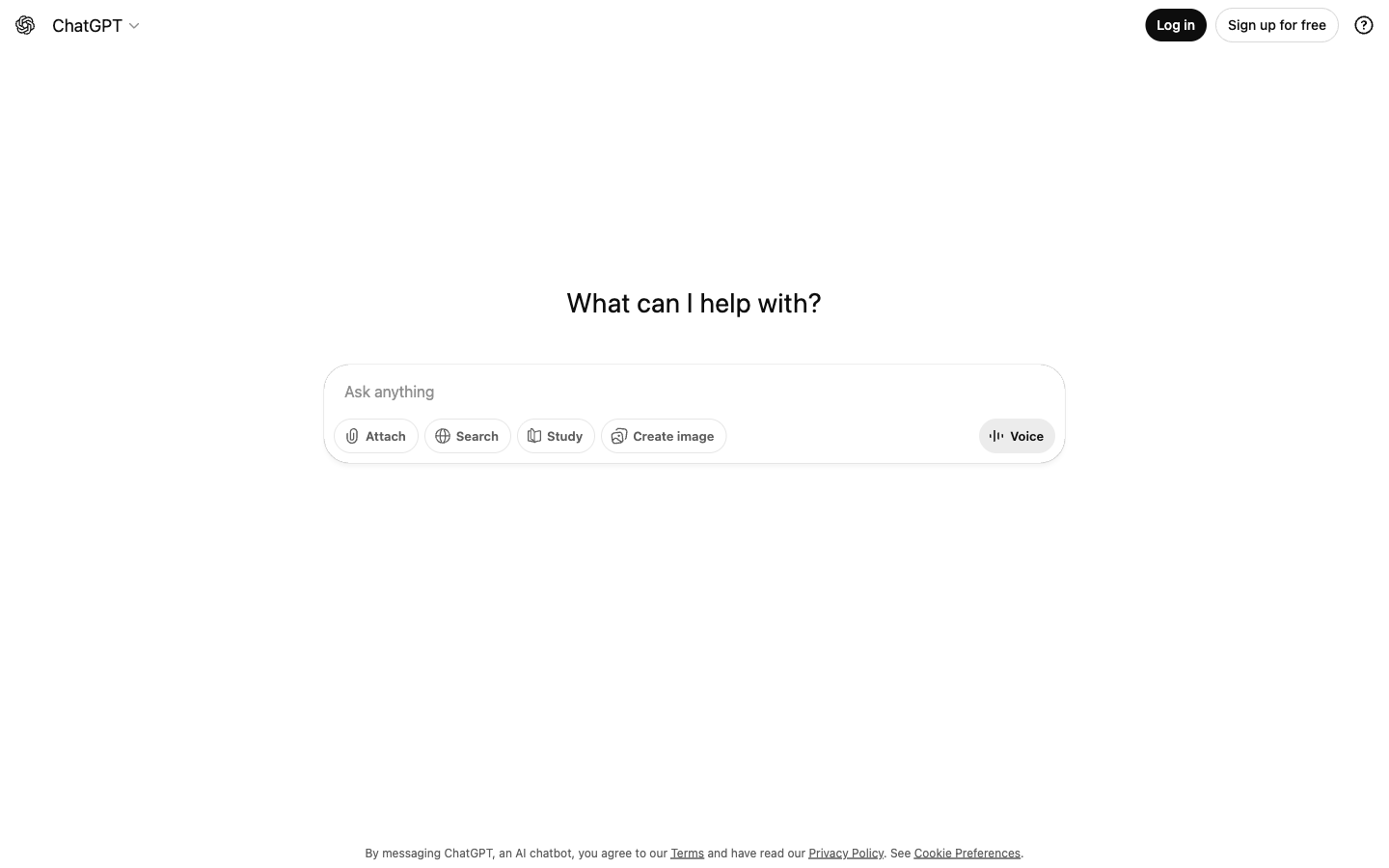
The default starting point. OpenAI retired GPT-4o from ChatGPT on February 13, 2026. Since August, free users get GPT-5.6 Luna as the default model, and text chats are unlimited, subject to abuse guardrails. A Think button gives harder questions more reasoning time. File uploads, images, and other tools still have their own caps, and OpenAI doesn't publish those numbers.
Best for: General tasks, code generation, quick brainstorming, email drafting.
Skip if: Your work is mostly file uploads and images. Those caps arrive long before the text limit does.
Free limits: Unlimited text chats on GPT-5.6 Luna, Think button, capped uploads and images, web browsing included.
2. Claude (Anthropic)
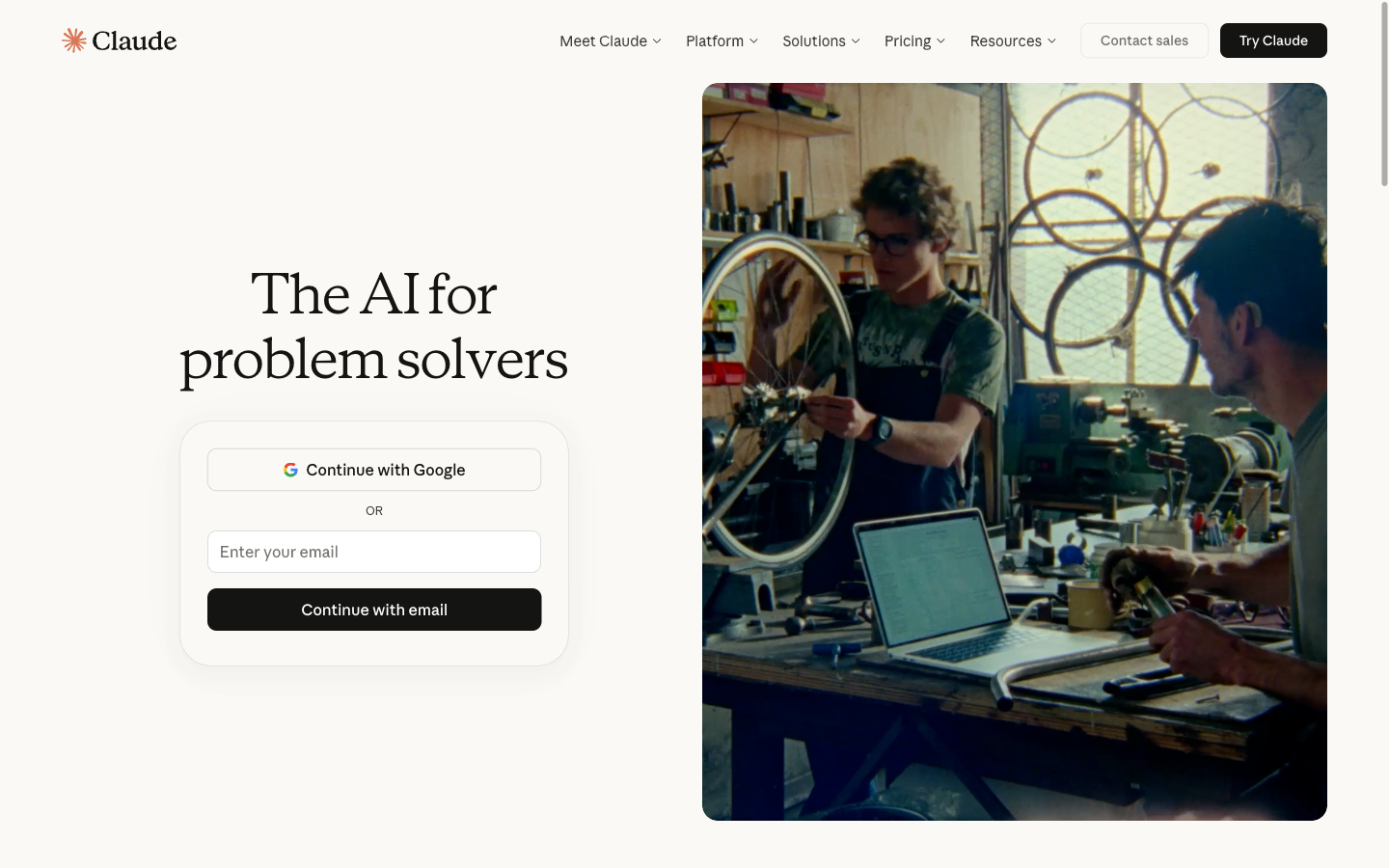
The best free AI writing tool available. Claude Sonnet 5.5 produces text that reads like a person wrote it. Less robotic than ChatGPT. Better at following complex, multi-step instructions. Especially strong for coding tasks where you need the model to hold a logical chain across 200+ lines.
Best for: Creative writing, nuanced content, complex coding, long-form editing.
Skip if: You need reliable availability. Usage runs on a rolling five-hour window. And if you want Claude Code, it's on paid plans only (Pro is $20/month, or $17/month billed yearly).
Free limits: Sonnet 5.5 and Haiku, rolling five-hour usage window, web search included, no Claude Code.
3. Google Gemini
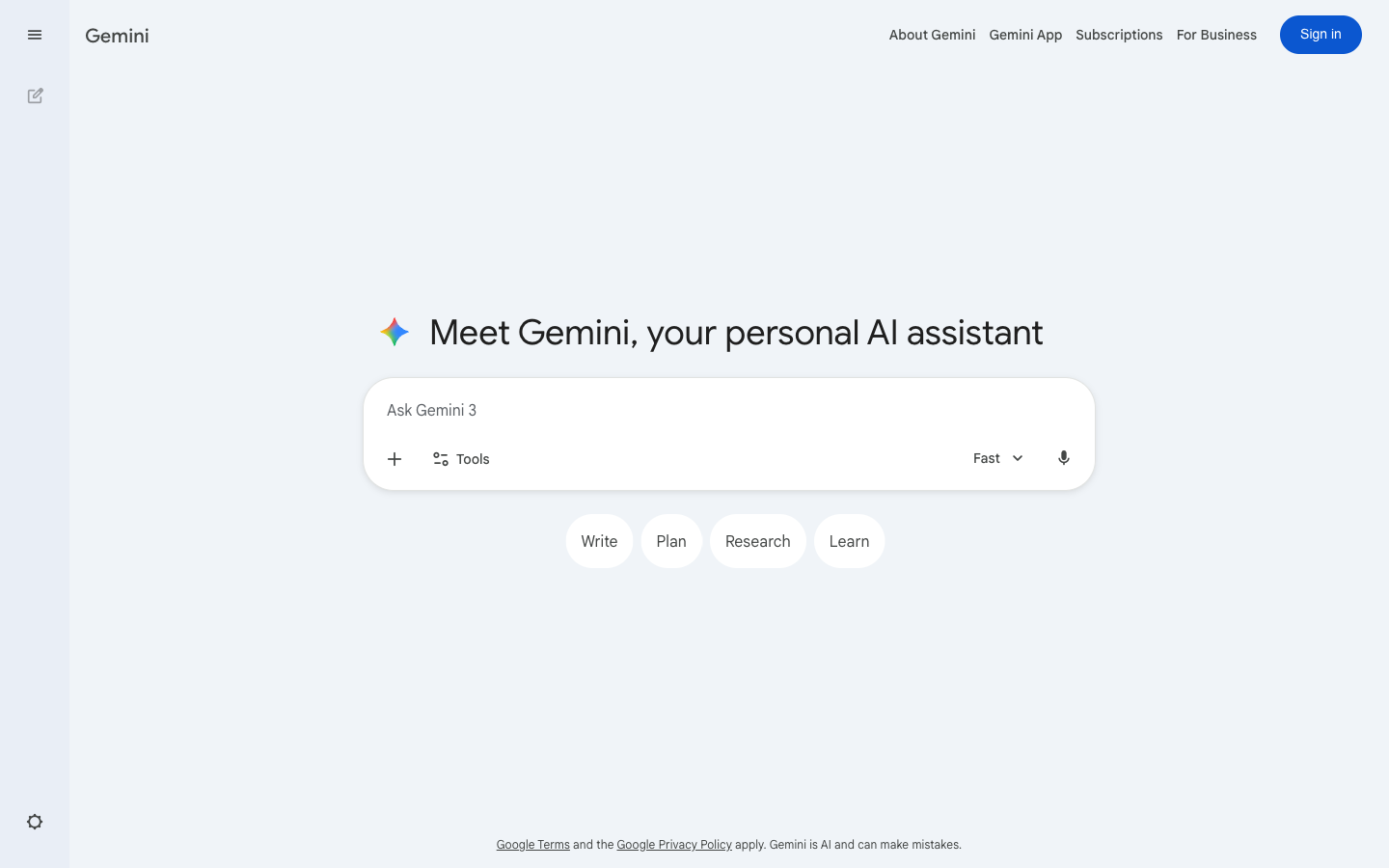
The most feature-rich free tier. Access to Gemini 3.6 Flash, varying access to Gemini 3.1 Pro, and integration with Google Docs, Sheets, and Drive. Deep Research is on the free plan too, though Google can pull it when demand is high. You also get image generation with Nano Banana 2 and music with Lyria 3.5. Video generation isn't on the free tier. Limits refresh every five hours until you hit a weekly cap, and the free context window is 32k tokens.
Best for: Research, Google Workspace users, multimodal tasks (images + text + code in one chat).
Skip if: You dislike Google's data practices. Conversations train the model by default.
Free limits: Gemini 3.6 Flash, some Gemini 3.1 Pro, five-hour refresh with a weekly cap, 32k context, no video generation.
4. Grok (xAI)
The free chatbot with real-time access to X (formerly Twitter) data. Useful for tracking breaking news, live events, or social media trends. It's free to start, with free limits on Chat and Voice that reset on their own schedule. xAI doesn't publish the free model name or the free caps, and paid plans now share one weekly usage pool.
Best for: Real-time news, trend tracking, social media analysis, unfiltered answers.
Skip if: You need consistent throughput. xAI gives you no free numbers to plan around.
Free limits: Chat and Voice with separate free limits, no published caps.
5. Perplexity
Not a chatbot in the traditional sense. Perplexity reads search results and compiles cited answers. Every claim comes with a source link. This makes it the best free AI tool for research where accuracy matters. The free plan includes top AI models with limited weekly usage, and non-subscribers get a limited number of Research answers per day. Perplexity doesn't publish the exact counts.
Best for: Fact-checking, source-backed research, quick literature overviews.
Skip if: You want creative writing or code generation. It's built for information retrieval, not content creation.
Free limits: Limited weekly use of top models, capped Research answers per day, source citations on every answer.
6. Microsoft Copilot
The free chatbot most lists forget. Smart mode runs GPT-5 for every user, and Think Deeper, built on OpenAI reasoning models, isn't limited on the free plan. Microsoft 365 subscribers get priority when capacity is tight. One feature is gone: Microsoft retired Deep Research in the consumer Copilot app on August 18, 2026.
Best for: Windows users, reasoning-heavy questions, anyone who doesn't want to watch a message counter.
Skip if: You need multi-source research reports. Use Gemini or Perplexity for those.
Free limits: GPT-5 in Smart mode, Think Deeper included, priority goes to Microsoft 365 subscribers at busy times.
7. DeepSeek
A strong free chatbot from outside the US. DeepSeek's app and website run DeepSeek-V4-Pro, rolled out on August 13, 2026, and chatting on them costs nothing. The company also released V4.1-Flash for its API on September 10.
Best for: Coding help, math, a second opinion from a different model family.
Skip if: Your company restricts where your data can be processed. Check that policy before you paste anything.
Free limits: Free app and web chat on V4-Pro.
8. Mistral Vibe (formerly Le Chat)
Mistral's chat app now goes by Vibe. The free plan covers limited messages and web searches, limited coding sessions, image generation, 100+ connectors, and $10 a month in API credits. Pro costs $14.99/month, and verified students pay $5.99.
Best for: Users who want a European AI provider, developers who want free API credits.
Skip if: You chat all day. Pro offers up to 6x the free message count, which tells you how tight free is.
Free limits: Limited messages, searches, and coding sessions, $10/month in API credits.
Which free AI is better than ChatGPT? It depends on the task. Claude writes more naturally. Gemini integrates with Google Workspace. Perplexity cites every source. Grok has real-time data. Copilot's Think Deeper has no message counter. For general use, ChatGPT remains the most versatile. For writing quality, Claude wins. Our ChatGPT vs Claude comparison and Gemini vs ChatGPT breakdown go deeper.
Best Free AI Writing and Grammar Tools
These are specialized tools for polishing, paraphrasing, and checking text. Different from the chatbots above because they focus on editing rather than generating.
9. Grammarly
The standard grammar checker. Goes beyond spellcheck with tone detection, conciseness suggestions, and 100 free AI prompts per month for rewrites. Available as a browser extension, desktop app, and mobile keyboard.
Best for: Professional email polish, non-native English speakers, academic writing.
Skip if: You only write in non-English languages. Grammarly's strength is English.
Free limits: Core grammar and spelling (unlimited), tone detection, 100 AI prompts/month.
10. AgentDock Dock Editor
An AI writing assistant built for long-form content. Not a grammar checker. A full editor with AI completions, citations (APA, MLA, Chicago, 4 more styles), track changes, and export to DOCX or PDF. Brainstorm in ChatGPT or Claude, then draft and polish in Dock Editor. The Prompt Library is free with no signup. The editor includes a free trial long enough to test on a real project.
Best for: Long-form writing, research papers with citations, content creators who need AI assistance inside a real editor (not a chat window).
Skip if: You only need grammar checking. Grammarly is simpler for quick fixes. Dock Editor is for writing entire documents.
Free limits: Free trial (full features), Prompt Library free forever, no signup required for prompts.
Honorable Mention: DeepL (Translation)
Not a grammar tool, but worth noting for multilingual teams. DeepL translates with more nuance than Google Translate, especially for European and Asian languages. Free tier handles 3,000 characters per translation and 3 file translations per month, though free files come back locked for editing. The Write feature refines English and German phrasing beyond simple grammar correction.
Best Free AI Coding Tools
The blank-page problem applies to code as much as writing. These tools range from subtle autocomplete to full agentic pair programmers.
11. GitHub Copilot
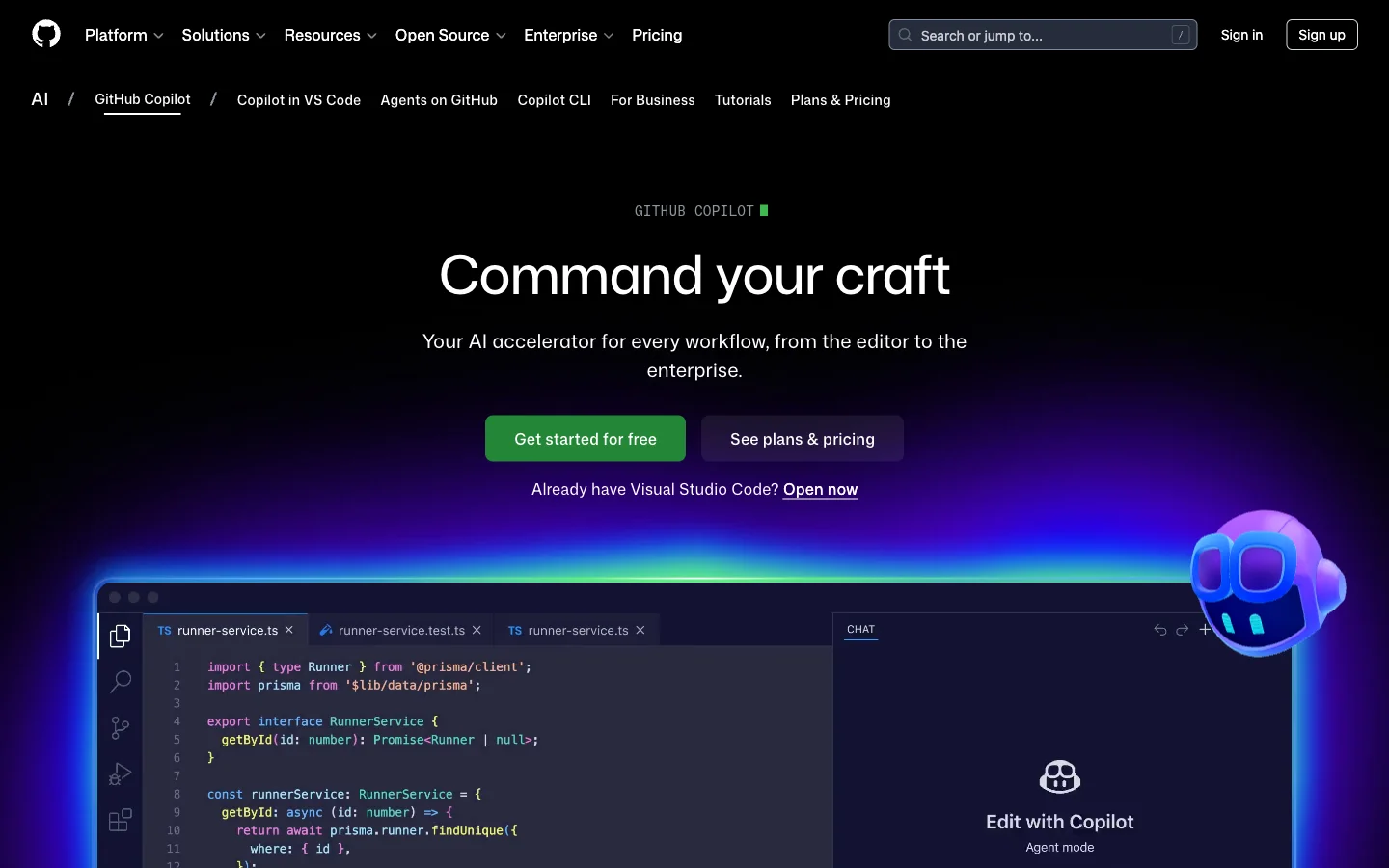
The industry standard for AI code completion inside VS Code. The free tier (launched for individuals) gives 2,000 code completions and 50 chat messages per month. Fast, context-aware, and learns your coding style. Verified students get more: the Copilot Student plan is free and adds full Copilot Chat, the Copilot CLI, and agents.
Best for: Everyday coding, autocomplete, learning by suggestion, working inside VS Code.
Skip if: You need an agentic AI that can run code, install packages, and test apps. Copilot suggests. It doesn't execute.
Free limits: 2,000 completions/month, 50 chat messages/month.
12. Cursor
A full code editor (forked from VS Code) with AI built into every interaction. The "Tab" feature refactors entire code blocks. "Composer" edits across multiple files simultaneously. The free Hobby plan needs no credit card and includes limited Agent requests. Cursor's pricing page no longer lists a Pro trial or request counts.
Best for: Power users, multi-file refactoring, rapid prototyping.
Skip if: You're happy with VS Code and Copilot. Cursor requires switching editors.
Free limits: Limited Agent requests, no card required. Pro is $20/month.
13. Gemini CLI (Google)
A terminal-based coding agent, and the free answer to Claude Code, which is now on paid Claude plans only. Unlike Copilot (autocomplete) or Cursor (editor), Gemini CLI works from your command line. It reads your project, edits files, and runs commands. Think of it as a senior developer pair-programming in your terminal. Log in with a personal Google account and you get up to 1,000 model requests a day, spread across the Gemini model family.
Best for: Full-stack development, codebase-wide refactoring, developers who live in the terminal.
Skip if: You want a visual IDE experience. Gemini CLI is terminal-only. If you prefer clicking over typing commands, use Cursor.
Free limits: 1,000 model requests/day with a personal Google account, per-minute rate limits.
14. Google Antigravity
Google's agent-first code editor. The free plan gives you unlimited Tab completions and unlimited command requests, with agent work capped by basic weekly rate limits. Agents can run on Gemini models, Claude Sonnet and Opus, or gpt-oss-120b.
Best for: Agent-driven builds inside a visual IDE.
Skip if: You code heavily every day. A weekly limit punishes steady daily use.
Free limits: Unlimited Tab and command requests, weekly agent rate limits.
15. OpenAI Codex
OpenAI's coding agent, included in ChatGPT Free. OpenAI sizes the free tier for quick coding tasks, with GPT-6 Luna in the desktop app as it rolls out. Image generation isn't part of Codex on the free plan.
Best for: Small fixes and scripts when you already have a ChatGPT account.
Skip if: You need long agent sessions. Free is built for quick tasks.
Free limits: Quick coding tasks, GPT-6 Luna in the desktop app (rolling out), no image generation.
Best Free AI Image Generators
Creating visuals no longer requires design skills or a subscription. Free AI image generators have gotten remarkably good.
16. Ideogram
The best free AI image generator for text inside images. Logos, posters, social graphics with readable words. Other generators garble text. Ideogram renders it cleanly in 100+ fonts and multiple languages. The current model, Ideogram 4.0, also handles photorealistic scenes and design work like posters and print-on-demand art. Check Ideogram's pricing page for today's free allowance.
Best for: Images with text (logos, posters, infographics), social media graphics, brand mockups.
Skip if: You want full commercial rights. Free-tier images are public and licensed under Ideogram's terms. Paid plans unlock private generation and commercial use.
Free limits: Ideogram 4.0, free credits, public gallery, watermark on some outputs.
17. ChatGPT Image Generation (Images 2.5)
Free ChatGPT users get limited access to image generation, now on Images 2.5, which OpenAI rolled out to every tier. The standout feature is conversational editing. Say "make the chart purple" and it understands context without a new prompt. The image cap is separate from unlimited text, and OpenAI doesn't publish the number.
Best for: Quick iterations, conversational image editing, users already in ChatGPT.
Skip if: You need volume. The free image cap is too small for batch work.
Free limits: Images 2.5 with a separate, unpublished cap, conversational editing.
18. Nano Banana 2 (Google Gemini)
Google's image model generates accurate text in multiple languages inside images. Nano Banana 2 is included free in Gemini Apps. Redo with Nano Banana Pro is for paid plans. Photorealistic output with strong prompt adherence. Free images carry a visible Gemini watermark and invisible SynthID metadata.
Best for: Images with text, multilingual visuals, photorealism.
Skip if: You need watermark-free images for professional use.
Free limits: Nano Banana 2 in Gemini Apps, no published cap, watermarked output.
19. Recraft AI
The only free AI image generator that outputs vector (SVG) files. Perfect for icons, logos, and scalable illustrations. Enforces brand color palettes. Up to 30 generations a day, credits reset daily, and free images are public.
Best for: Icons, logos, scalable graphics, UI design assets.
Skip if: You plan to use the images commercially. Free tier is strictly non-commercial.
Free limits: 30 generations/day, SVG output, public gallery, non-commercial only.
20. Leonardo.Ai
Leonardo gives free users 150 tokens a day for image generation. Unused tokens expire at the end of the day, so it rewards a little every day over one big session.
Best for: Concept art, characters, daily creative practice.
Skip if: You batch your work once a week. Unused tokens don't carry over.
Free limits: 150 tokens/day, no rollover.
21. Adobe Firefly
Adobe's generator now gives free users daily generations across image, video, and audio, with partner models like Nano Banana and Luma Ray3.14 inside. The allowance refreshes every day, and Adobe doesn't publish the count.
Best for: Designers already in Adobe, trying several models in one place.
Skip if: You need a fixed daily number to plan around.
Free limits: Daily free generations across image, video, and audio, count unpublished.
22. Pomelli Photoshoot (Google Labs)
Free AI product photography from Google. Upload a photo of any physical product. Pomelli generates studio-quality shots in four styles: Studio (clean white background), Floating (dramatic mid-air), Ingredient (surrounded by raw materials), and In-use (lifestyle context). A candle maker uploaded a kitchen photo and got images that look like a Nordstrom catalog. Pomelli reads your website to match brand colors and style. Powered by Google's Nano Banana model. Available in 190+ countries and territories, in English, for users 18 and older.
Best for: Small businesses, Etsy sellers, product listings, anyone who needs professional product photos without a photographer.
Skip if: You need a language other than English. Pomelli is English-only for now.
Free limits: Free through Google Labs, 4 scene templates, watermarked with SynthID.
Best Free AI Video Generators
Video generation is resource-intensive. Free tiers are stricter here. Expect watermarks, lower resolutions, and short clips. But for social media content, presentations, or proof-of-concept work, these tools deliver.
23. Kling AI
Currently the best free option for realistic motion. The motion consistency is superior to competitors for complex human movement. A person picking up an object, walking through a door, or shaking hands. These cause other models to glitch. Kling handles them well.
Best for: Realistic human motion, short clips for social media, daily content creation.
Skip if: You need clean exports. Free clips carry a watermark, and 4K is paid.
Free limits: Daily free credits, 1080p export, watermarked.
24. Dreamina (CapCut)
The daily social clip generator. CapCut's Dreamina gives free users 120 credits a day for images and video, including image-to-video on ByteDance's Seedance 2.5 model. How many clips that buys depends on the model, length, and resolution you pick. Good for attention-grabbing social clips you post every day.
Best for: Creative social content, special effects, eye-catching short clips.
Skip if: You're uneasy about ByteDance's data practices.
Free limits: 120 credits/day, Seedance 2.5 image-to-video.
25. Google Vids
Google's newest free video tool. Since September 23, 2026, anyone with a Google account can generate clips in Vids at no cost, on Google's Gemini Omni 1.1 Flash model. Clips come out in 1080p, you can set exact durations, and every clip carries an invisible SynthID watermark. Google hasn't published a free cap.
Best for: Explainer clips, social media content, presentations with generated b-roll.
Skip if: You need guaranteed volume. Google points heavy users to paid plans.
Free limits: Gemini Omni 1.1 Flash, 1080p, SynthID watermark, no published cap.
26. InVideo AI
The most generous free tool for full-length videos (not just clips). Text-to-video with automatic stock footage stitching, voiceovers, and a video co-pilot that re-edits on command. The free plan gets limited credits that reset every Monday at 12 a.m. UTC.
Best for: Explainer videos, social media content, quick video drafts from text.
Skip if: You need custom footage. It stitches stock clips. The result looks generic.
Free limits: Limited credits, reset weekly (Monday 12 a.m. UTC).
27. Google Flow
Google's filmmaking tool for Veo. Without a subscription you get 50 Flow credits a day. A Veo 3.1 Lite clip costs 10 credits and Fast costs 20, so that covers a few short clips daily. Between roughly 2 PM and 5 PM UTC, free users may not be able to generate video.
Best for: Short cinematic shots, testing Veo before you pay.
Skip if: You work during the 2-5 PM UTC peak.
Free limits: 50 credits/day, Veo 3.1 Lite and Fast, peak-hour restrictions.
28. Runway
Runway's free plan is "free forever," but its 125 credits are a one-time deposit. Use them to learn the tools before a paid project. You also get 5 GB of asset storage.
Best for: Trying professional video tools before you commit.
Skip if: You want free output every month. The credits don't come back.
Free limits: 125 one-time credits, 5 GB storage.
Pika dropped off this list. Its free plan now includes zero monthly credits.
Best Free AI Presentation and Design Tools
Two tools that replaced hiring a designer for most teams. One builds presentations from a text prompt. The other handles everything else visual.
29. Gamma
The fastest way to build a presentation. Describe what you want in plain text and Gamma generates a full slide deck in about 60 seconds. Not just bullet points on slides. Actual layouts with images, charts, and design elements. Use it for pitch decks, quarterly business reviews, marketing decks, online course modules, or how-to guides. A wine tasting event host typed "5-slide wine tasting guide for beginners" and got a polished deck with pairing suggestions, tasting wheel graphics, and a final quiz slide. 400 free AI credits at signup, and they don't refresh on the free plan. Start with a presentation outline prompt so the credits go into the right structure.
Best for: Pitch decks, internal presentations, course materials, anyone who dreads building slides.
Skip if: You need pixel-level control over every element. Gamma gives you speed, not fine-grained design tools.
Free limits: 400 one-time AI credits (200 more per referral), unlimited viewing and sharing, Gamma branding on exports.
30. Canva
The design tool most people already have an account for. The free plan includes Magic Design (generate layouts from a text prompt) and a capped monthly allowance of Standard and Premium AI uses. Magic Grab, Magic Edit, and Magic Expand are Pro features, and so is Magic Resize, the one-click reformat for Instagram, TikTok, LinkedIn, and X.
Best for: Social media graphics, marketing materials, quick photo editing, teams without a designer.
Skip if: You need print-quality or vector design. Canva is web-first and optimized for digital.
Free limits: 1.6M+ templates, 4.7M+ photos, videos, graphics, and audio, capped monthly AI uses, 5GB storage.
Best Free AI Research and Productivity Tools
For people who spend most of their day reading, learning, and synthesizing information. These tools go beyond chatbot Q&A into structured research workflows.
31. Gemini Notebook (formerly NotebookLM)
Google renamed NotebookLM to Gemini Notebook on July 16, 2026. Upload PDFs, websites, or audio files. Gemini Notebook builds a grounded AI expert on that specific data. No hallucinations from outside sources. The Audio Overview feature turns dry documents into a podcast-style discussion between two AI hosts.
Best for: Deep document analysis, study guides, synthesizing multiple sources, auditory learners.
Skip if: You need real-time web search. Gemini Notebook only works with uploaded sources.
Free limits: 100 notebooks, 50 sources each, 50 chats/day, 3 Audio Overviews/day, 10 Deep Research runs/month.
32. Genspark
An AI agent that does entire research projects, not just answers questions. Give it a complex task and it builds a structured report with sources. Ask "compare the top 5 project management tools for a 20-person team" and it researches each one, builds a comparison table, and cites its sources. It rewrites API documentation from support ticket patterns. It creates lesson plans for teachers with worksheets and grading rubrics. The "Call for Me" feature phones businesses on your behalf, but it now needs a paid plan. Free accounts get 100 credits a day until they use up a lifetime allowance, and then the daily refill stops.
Best for: Deep research reports, competitive analysis, tasks that require visiting multiple sites and synthesizing findings.
Skip if: You need real-time conversation. Genspark is task-oriented (give it a job, wait for results), not a back-and-forth chatbot.
Free limits: 100 daily credits up to a lifetime allowance, Super Agent included, Call for Me on paid plans.
33. Excalidraw
A free whiteboard with a text-to-diagram AI. Type out a process and it draws an editable diagram you can drag around and export as PNG or SVG. The free plan is "free forever" with limited generative AI, and Plus ($6/month) extends it.
Best for: Students mapping an argument, teams sketching a process, engineers drawing a system.
Skip if: You need polished, branded visuals. It's built for sketches.
Free limits: Full editor, unlimited collaborators, limited AI generations.
Notion AI dropped off this list. Notion's free plan now includes only a trial of Notion AI.
Best Free AI Audio and Music Tools
From meeting transcription to voice generation to AI-composed music.
34. Otter
The standard for meeting transcription. 300 minutes per month on the free tier. Automatically identifies speakers and highlights key moments. Limited to 30 minutes per conversation and 3 lifetime file uploads (after that, you must record live). Turn the transcript into action items with a meeting notes prompt.
Best for: Meeting notes, interview transcription, team collaboration.
Skip if: You need to transcribe pre-recorded files regularly. The 3-file lifetime limit is harsh.
Free limits: 300 min/month, 30 min/conversation, 3 lifetime file uploads.
35. Granola
An AI notepad for meetings. The free Basic plan keeps 30 days of meeting history, with speaker tagging, templates, and AI chat across your notes on an automatically chosen model.
Best for: Back-to-back calls, meeting follow-ups, people who want notes without extra setup.
Skip if: You need notes from three months ago. Free history is 30 days.
Free limits: 30-day meeting history, AI chat with automatic model choice.
36. Wispr Flow
Dictation for every text box on your computer and phone, in 100+ languages. Talk your prompt instead of typing it. The free plan covers 2,000 words a week on desktop and 1,000 on mobile.
Best for: Long prompts, emails, anyone who thinks faster than they type.
Skip if: You dictate all day. 2,000 words a week is under 300 a day.
Free limits: 2,000 words/week desktop, 1,000/week mobile.
37. ElevenLabs
The most realistic AI voice generator. Free tier gives 10,000 credits per month, and unused credits don't roll over. Voices capture breath, pauses, and natural intonation. No custom voice cloning on free. Requires attribution if published.
Best for: Voiceovers, podcast intros, demo narration, accessibility.
Skip if: You need commercial use without attribution. Free tier requires crediting ElevenLabs.
Free limits: 10,000 credits/month, no commercial license, attribution required.
38. Lyria 3.5 (Google)
Free AI music generation inside the Gemini app. Lyria 3.5 arrived in the Gemini app on September 4, 2026, for all users. Describe a song in plain text and Lyria 3.5 composes a track of up to three minutes with vocals, instruments, and lyrics. Someone prompted "comical R&B slow jam about a sock finding their match in the dryer" and got a fully produced track with harmonies. Upload a photo or video and it generates a matching soundtrack. Dream Track on YouTube lets creators add AI-generated music to Shorts. Every track is watermarked with SynthID (inaudible, machine-detectable). Free for all users 18+.
Best for: Social media soundtracks, creative projects, podcast intros, content creators who need original music without licensing.
Skip if: You need full-length songs or commercial distribution rights. Tracks run up to three minutes. Longer compositions and commercial licensing are not available on the free tier.
Free limits: Free in Gemini app, tracks up to 3 minutes, SynthID watermarked, available to 18+ users.
Best Free Open-Source AI You Run Yourself
No account, no cap, no data leaving your machine. Your own hardware does the work, so a slower laptop means slower answers.
39. Jan
A free ChatGPT-style app for Mac, Windows, and Linux. Local models run entirely on your machine, offline, with no API key. You can add online models too if you want them side by side.
Best for: Private chats, working offline, sensitive documents.
Skip if: Your computer is old. Local models need plenty of memory.
Free limits: None. Your hardware is the limit.
40. OpenCode
An open-source coding agent for the terminal, desktop, or IDE. It ships with free models and connects to 75+ providers, local models included.
Best for: Developers who want a Claude Code-style agent without a subscription.
Skip if: You don't want to manage models and providers yourself.
Free limits: Open source, free models included.
41. Whisper (OpenAI)
OpenAI's speech recognition model, released under the MIT license. It runs locally, transcribes many languages, and translates speech into English. Install it once and transcribe as many recordings as you like, which gets you around Otter's three-upload limit.
Best for: Bulk transcription of interviews, lectures, and podcasts.
Skip if: You don't want to touch Python. Setup takes a few commands.
Free limits: None. MIT licensed, runs on your machine.
Bonus: Free AI Prompt Library (AgentDock)
Most AI tools are only as good as your prompts. AgentDock's Prompt Library offers over 1,600 free, ready-to-use prompts across categories like writing, marketing, productivity, education, and finance. No signup required. Copy a prompt, paste it into any AI chatbot, and get better results immediately.
The AI-powered editor (Dock Editor) also includes a free trial for long-form writing with AI assistance, citations, and track changes. It's not free forever, but the trial gives enough time to evaluate whether it fits your workflow.
Best for: Getting better output from any free AI chatbot, structured templates for specific tasks.
Skip if: You already have a library of tested prompts. This adds the most value for people starting fresh with AI.
How We Chose These Tools
Every tool on this list meets four criteria:
Really free. Not a 7-day trial disguised as "free." Every tool has a permanent free tier or open-source option. Some have usage caps. None require a credit card to start.
Checked against the source. Every limit comes from the vendor's own pricing or help page. Not review sites, not memory. Where a vendor doesn't publish a number, we say so.
Useful free tier. The free version must do something meaningful. If the free tier is so limited that you hit the paywall within 10 minutes, it didn't make this list.
Current as of September 2026. AI tool pricing and features change monthly. These limits reflect what's available right now. Check the tool's pricing page for the latest.
What Free AI Tools Can't Do
Free tiers come with real trade-offs. Understanding them up front saves frustration.
Your Data Trains the Model
ChatGPT and Gemini use your conversations for training by default. Claude only does if you allow it in your privacy settings. Don't paste API keys, customer data, financial records, or proprietary code into a free AI chatbot. Enterprise "zero retention" features are paid-only.
Usage Caps Are Real
Dynamic limits mean your access can change hour by hour. ChatGPT's text chats are unlimited now, but uploads and images still hit caps. Claude meters a rolling five-hour window, and Gemini refreshes every five hours toward a weekly cap. Genspark stops refilling once you've used its lifetime allowance. Plan your important work for off-peak hours, or spread tasks across multiple tools.
Watermarks on Creative Output
Free image and video generators almost always add watermarks. Gemini adds a visible sparkle icon plus invisible SynthID. Kling watermarks free clips, and Google Vids clips and Lyria tracks carry SynthID. Ideogram adds a small watermark on some free outputs. Recraft is clean but non-commercial.
Smaller Context Windows
Free models often process less text per conversation. A 100-page PDF might cause the model to "forget" early sections by the end. Gemini's free context window is 32k tokens. Use specialized tools like Gemini Notebook for long documents instead of pasting them into a chatbot.
Frequently Asked Questions
What is the best completely free AI chatbot?
ChatGPT Free gives the broadest feature set: unlimited text chats, web browsing, image generation, and the Codex coding agent. Gemini Free is the best value if you use Google Workspace. Claude Free produces the highest quality writing but has the strictest limits.
What free AI tools can students use?
Eligible U.S. college students 18 and older can claim a free year of Google AI Pro through Gemini for Students. You redeem it by December 31, 2026, a card is required, and it bills $19.99/month after the year unless you cancel. Beyond that, Gemini Notebook is free for anyone with a Google account and is built for studying. Genspark handles deep research reports with sources. Gamma builds presentation decks in 60 seconds. GitHub Copilot offers a free tier for all individual developers. Verified students get the free Copilot Student plan. AgentDock's education prompts provide ready-made templates for essays, study guides, and research.
Is Grok better than ChatGPT?
For real-time social media data and breaking news, yes. For everything else, ChatGPT is more versatile. Grok's free tier is more limited (fewer messages per time window) and the model is less polished for long-form tasks.
Is my data private when using free AI tools?
Generally, no. Free tiers for ChatGPT and Gemini default to using your data for model training. You can opt out in settings (ChatGPT under Data Controls, Gemini by turning off Keep Activity or using Temporary chats), but the default is training-on. Claude uses your chats for training only if you allow it. Never paste sensitive information into free AI tools.
How do I get the most out of free AI tools?
Rotate between tools based on the task. Use Perplexity for research. Use Claude for writing. Use ChatGPT for code and general tasks. Use Gemini Notebook for long documents. This spreads your usage across multiple free tiers instead of burning through one.
Also, better prompts get better results. A specific, structured prompt produces far better output than a vague question. The AgentDock Prompt Library has over 1,600 prompts you can copy directly.
Are there any free AI apps for mobile?
Yes. ChatGPT, Claude, Gemini, Perplexity, and Grok all have free mobile apps for iOS and Android. Gemini Live (free voice assistant) works on both platforms. Grammarly has a free mobile keyboard. DeepSeek and Mistral Vibe have free apps too, and Wispr Flow's free plan covers 1,000 dictated words a week on mobile. For image generation on mobile, the ChatGPT app includes image creation within the same free limits as the web version.
What are the "big 4" of AI?
In the context of consumer AI chatbots, the four dominant platforms are ChatGPT (OpenAI), Claude (Anthropic), Gemini (Google), and Grok (xAI). All four offer free tiers. Each has different strengths: ChatGPT is the most versatile, Claude writes the best, Gemini integrates deepest with Google, and Grok has real-time social data.
What are the top 5 free AI tools right now?
ChatGPT, Claude, Gemini, Perplexity, and Gemini Notebook. Between them you get chat, writing, images, music, cited research, and document study without paying.
Is there a free AI without limits?
Only the ones you run yourself. Jan, OpenCode with a local model, and Whisper have no usage caps because your computer does the work. Among hosted tools, ChatGPT's text chats are unlimited, but uploads and images stay capped.
Is Claude Code free?
No. Claude Code is on paid Claude plans only. The free alternatives are Gemini CLI (1,000 requests a day), OpenAI Codex on ChatGPT Free, and the open-source OpenCode.
How to Build Your Free AI Stack
You don't need all 41 tools. You need the right 4-5 for your workflow. Here's how to pick them.
If you're a writer or marketer: Start with Claude (best writing quality), add Grammarly (polish), and Perplexity (research). Use AgentDock Dock Editor for long-form drafts with citations. Canva for social media graphics. Use AgentDock's writing prompts to get structured output from any chatbot.
If you're a developer: Gemini CLI for agentic terminal workflows. Cursor for complex refactoring in a visual editor. Copilot for fast autocomplete inside VS Code. ChatGPT for debugging and explaining code. OpenCode with a local model when nothing may leave your machine.
If you're a student: Gemini Notebook for document synthesis. Genspark for deep research reports. Gemini for Google Workspace integration. Claude for essay editing. Gamma for presentations. If you're a U.S. college student, check whether you qualify for Google's free AI Pro year. Excalidraw for diagrams.
If you create content: Ideogram for images with text (logos, social graphics). Canva for social media formatting. Google Vids, Kling AI, or Dreamina for short video clips. ElevenLabs for voiceovers. Lyria 3.5 for original music. Gamma for slide decks.
If you run a business: ChatGPT or Gemini as your primary chatbot. Otter or Granola for meeting notes. Pomelli for product photography. Genspark for competitive research. AgentDock's finance prompts for invoices, proposals, and business documents.
The key principle: spread your usage across tools. When you hit the limit on one, switch to another. Perplexity for research saves your ChatGPT messages for coding. Gemini Notebook for documents saves your Claude messages for writing. Rotating tools is the real power move with free tiers.
The Bottom Line
The global AI market is projected to reach $826 billion by 2030, per Statista. These tools keep getting better.
Start with one chatbot (ChatGPT or Claude). Add a research tool (Perplexity or Gemini Notebook). Layer in a coding tool (Gemini CLI or Cursor) or image generator (Ideogram) based on your work. Use free prompts to get better results from every tool on this list.