A kindergarten teacher's week is built three times: once as a lesson plan, once as a pile of printables, and once as thirty small humans testing every routine you have. The internet sells you the first two, one download at a time, and mostly shrugs at the third.
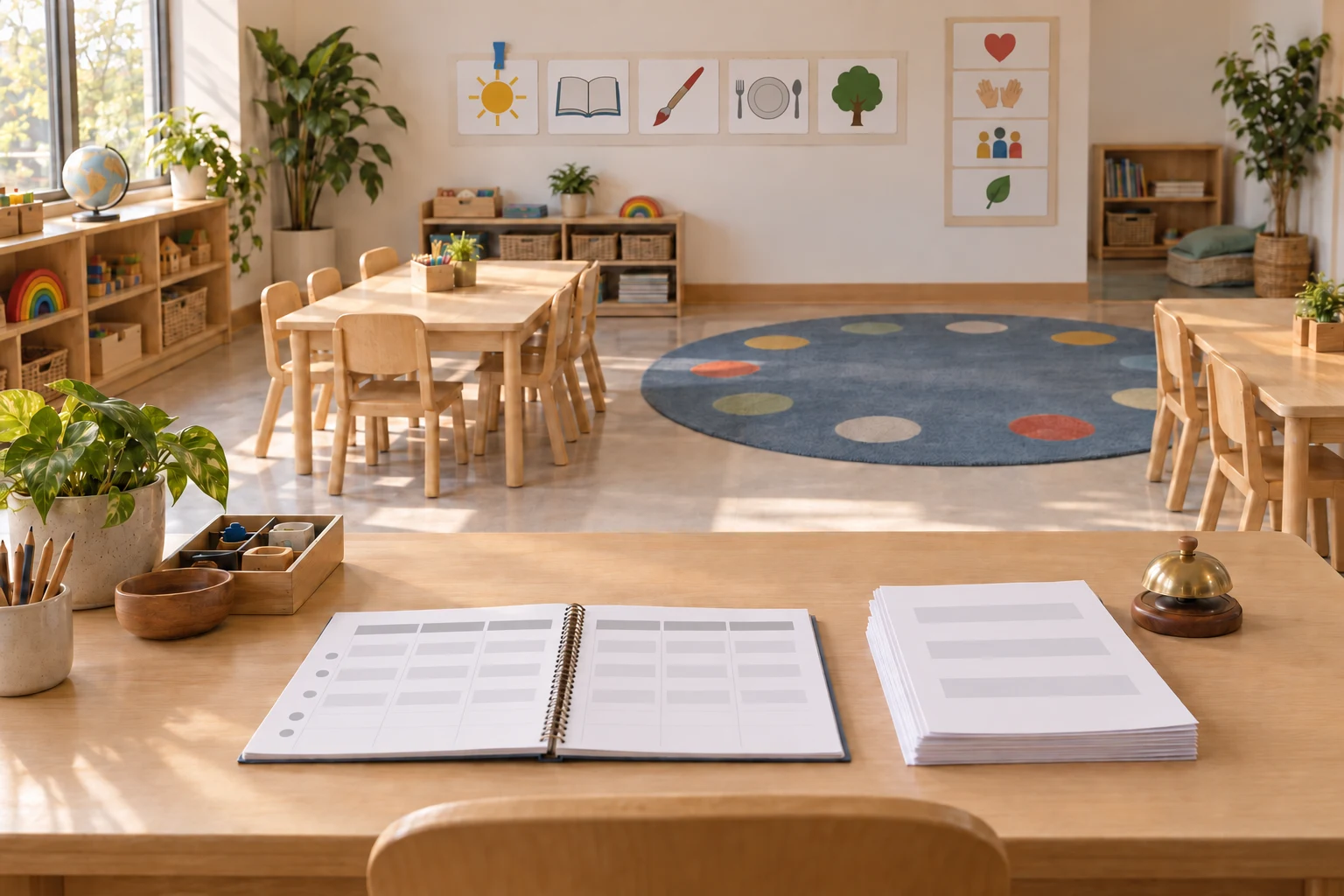
This kit covers all three with generators instead of marketplaces: plans built from your own week, worksheets printed instead of purchased, and the management routines veteran teachers set up before the first bell of the year.
Write the Plan From Your Week, Not Someone Else's
A lesson plan is a format wrapped around decisions you've already made: objective, materials, sequence, assessment. The Lesson Plan Template takes your topic and age group and returns the full structure, in whatever format your school requires, objective through assessment. If you're still choosing a format, our lesson plan templates roundup compares them.
For early childhood specifically, the Preschool Weekly Activity Plan Generator lays out the whole week across centers and circle time, and the Preschool Curriculum Outline Generator zooms out to the month or the year.
One underrated use: sub plans, the document teachers write on their sickest mornings. Run the template on tomorrow's topic, add the phrase "written for a substitute who has never met this class," and the plan explains itself.
| Tool | What it does | Best for | Skip if |
|---|---|---|---|
| A marketplace download | Someone else's plan, polished, paid | A unit you've never taught, for structure ideas | It doesn't fit your class, and it usually doesn't quite |
| The Lesson Plan Template | Formats YOUR week into a submittable plan | Sunday planning and 5 a.m. sub plans | You need district-mandated wording, paste it in first |
| The Weekly Activity Plan Generator | Builds the preschool week across centers | The recurring Monday blank-grid problem | You teach upper grades, use the template instead |
Print the Worksheets Instead of Buying Them
The kindergarten worksheet market is exactly that, a market. The Worksheet Maker tops our education library by usage, and it builds the printable from your specification: topic, age, difficulty, format.
The specialist generators cover the early-childhood staples: Handwriting Practice sheets on any word list, Number Worksheets for counting and tracing, and Letter of the Week activities that bundle the printable with the games around it. Blank graphic organizers are the other printable staple, and our graphic organizers guide covers which shape suits which lesson.
Management Is Routines, and Routines Are Decided in August
The most-watched classroom management tips list on YouTube, Thom Gibson's ten in ten minutes, is striking for what it contains: almost no discipline. It's routines. "Have a seating chart on day one... don't apologize for the seating chart." Greet students at the door by name. Ask for attention and "do not start giving your instructions until it is silent." When group work gets loud, "write the word noise on the board" rather than raising your voice. And when a student is disrespectful, "do not respond in kind," ever.
The pattern across all ten is that management is designed before the students arrive, and that's what the generators build:
- The Classroom Rules Generator drafts the age-appropriate rule set, phrased positively, ready for the wall.
- The Behavior Chart Generator builds the tracking system that replaces in-the-moment improvising.
- The SEL Check-In Generator creates the feelings check-ins that catch a hard morning before it becomes a hard afternoon, morning meeting included.
- The Classroom Icebreaker Generator stocks the first week, when the room is still deciding what kind of room it is.
The Preschool Day Lives and Dies on Transitions
Ask any preschool teacher where the chaos starts: between activities. The Preschool Transition Activity Generator builds the songs, countdowns and movement games that move eighteen four-year-olds from carpet to tables without tears.
The activity generators fill the blocks between transitions: Preschool Math for counting and sorting, Fine Motor for the scissor-and-tweezer work that feeds later handwriting, Art and Craft for the project table, and Rhyming for the phonological play that predicts reading. The big-muscle side of the day, and how it feeds the fine motor work, is in our gross motor skills guide.
Story time gets its own pair: the Story Time Discussion Generator turns any picture book into discussion questions, and the Book Recommendation List Generator keeps the read-aloud shelf themed to the unit.
Parents Hear From You Before They Meet You
Conference season compresses twenty conversations into two days, and preparation is the difference between a conference and a complaint session. The Parent Teacher Conference Prep prompt structures each child's talking points: strengths first, growth areas with examples, one concrete home suggestion. The need returns every semester, and the prep sheet you build for each child this fall is the head start on the spring one.
Set Up Once, Reuse All Year
The plans, the printables and the routines all compound: a week planned in the generator becomes next year's template with edits. The Dock Editor keeps the whole setup in documents you can duplicate each week, and the free trial covers your setup sprint.
Start where August always starts: run the Classroom Rules Generator for your age group tonight, and put the seating chart, unapologized-for, on day one. Everything else teacher-facing is waiting in the education prompt library.